Build Your First LiveCanvas Web Page Step by Step
FREE LiveCanvas Beginner Web Page Build Checklist
What’s Inside
A complete step-by-step checklist covering all 3 videos
The exact order to build your first LiveCanvas web page
A simple workflow for creating sections, rows, and columns
Spacing, padding, and margin settings for professional layouts
Responsive design checks for desktop, tablet, and mobile
A final publish checklist before your page goes live
Common beginner mistakes (and how to avoid them)
Downloadable PDF
Perfect if you're following the YouTube series and want a simple checklist to keep you on track.
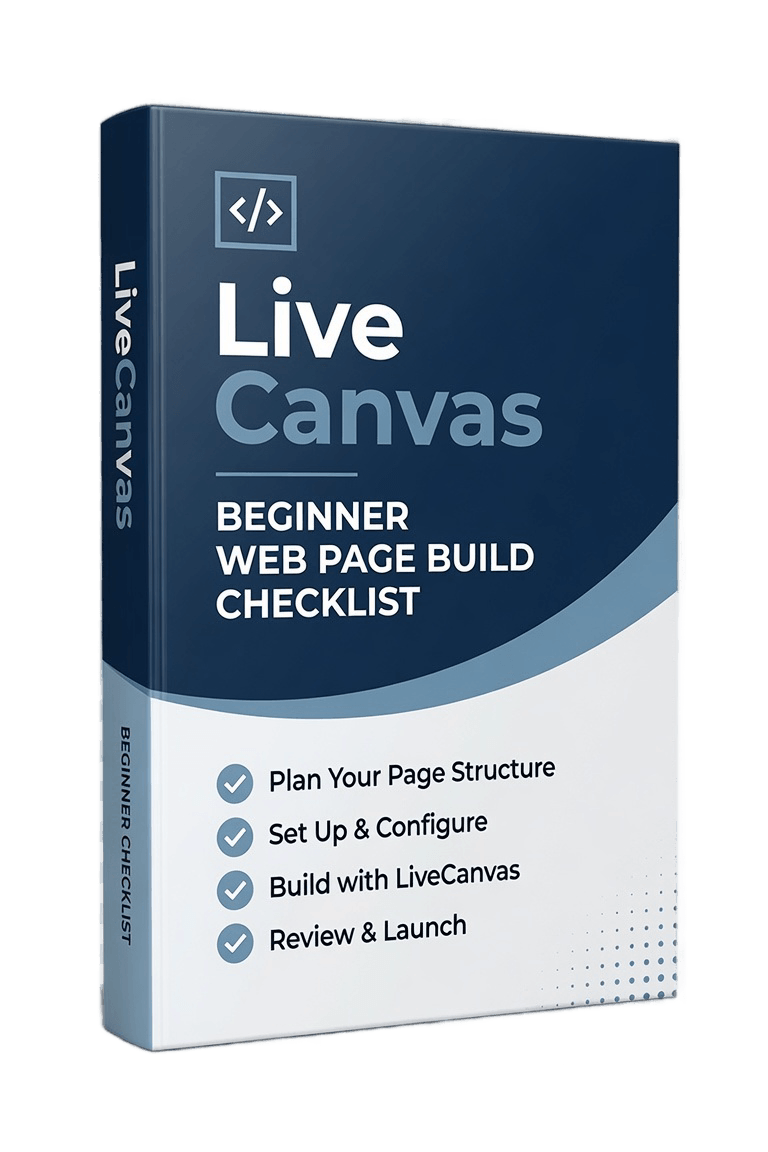
Building Your First LiveCanvas Page Doesn't Have to Be Complicated
If you're new to LiveCanvas, it's easy to lose track of the steps needed to build a professional-looking page.
Many beginners struggle with things like:
Knowing which section to build first
Remembering the correct order of each step
Setting padding and margins correctly
Making layouts responsive on different screen sizes
Forgetting small design tweaks that make pages look professional
This checklist gives you a clear roadmap so you can build your page with confidence while following the video series.

About The Author
Gary Lacey
This checklist gives you a clear roadmap so you can build your page with confidence while following the video series.
That's exactly why I created this checklist.
Instead of trying to remember every setting and every adjustment, you can simply tick each step off as you build your page.
It's the same workflow I use throughout my beginner tutorial series and it's designed to help you stay organised, avoid common mistakes, and finish your first responsive web page much faster.
This isn't another long guide full of theory.
It's a practical companion you can keep open while you build.
By the time you've completed the checklist, you'll have a fully responsive web page—and a much better understanding of how LiveCanvas works.
What You'll Learn
Inside the Checklist
Create your first LiveCanvas page
Build a hero section
Add rows and columns
Style sections with borders and spacing
Add professional padding and margins
Change colours and layouts
Replace placeholder images
Add a hero background image
Test your page on every screen size
Publish your finished web page with confidence
Who This Checklist Is For
Perfect For
Complete LiveCanvas beginners
WordPress users building their first website
Anyone following my 3-part YouTube series
People who learn best with step-by-step instructions
Anyone who wants to build cleaner, more professional-looking pages
If you want a simple companion that helps you complete your first LiveCanvas project without missing anything, this checklist is for you.
Volunteer in your Community
Lorem ipsum dolor sit amet, consectetur adipisicing elit. Autem dolore, alias, numquam enim ab voluptate id quam