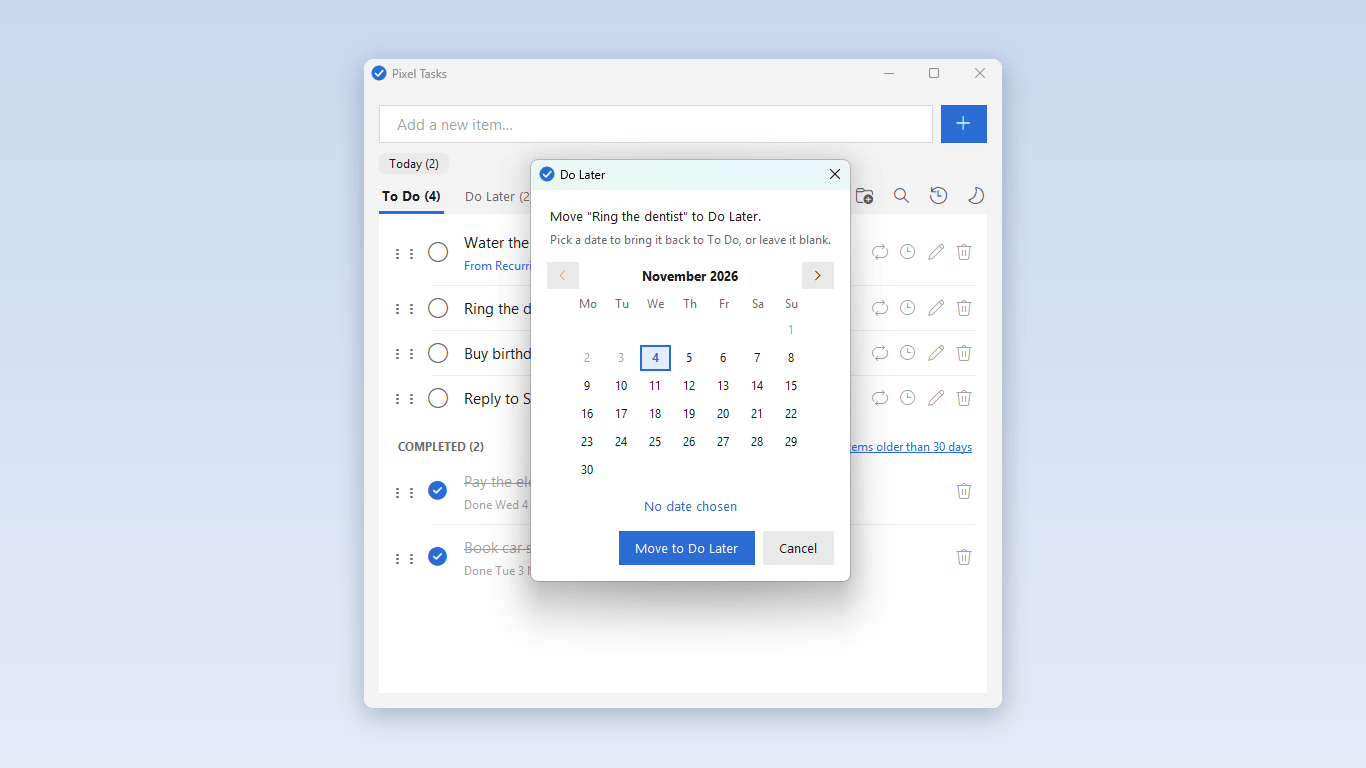
Not today? Pick a date.
Move a task to Do Later and pick a date. It drops off your list and comes back to the top on that day.
Leave the date blank and it waits in Do Later until you want it.
A simple, free to-do list for Windows. Your list stays on your PC.
Get it free from the Microsoft StoreWindows 10 and 11. No account needed.
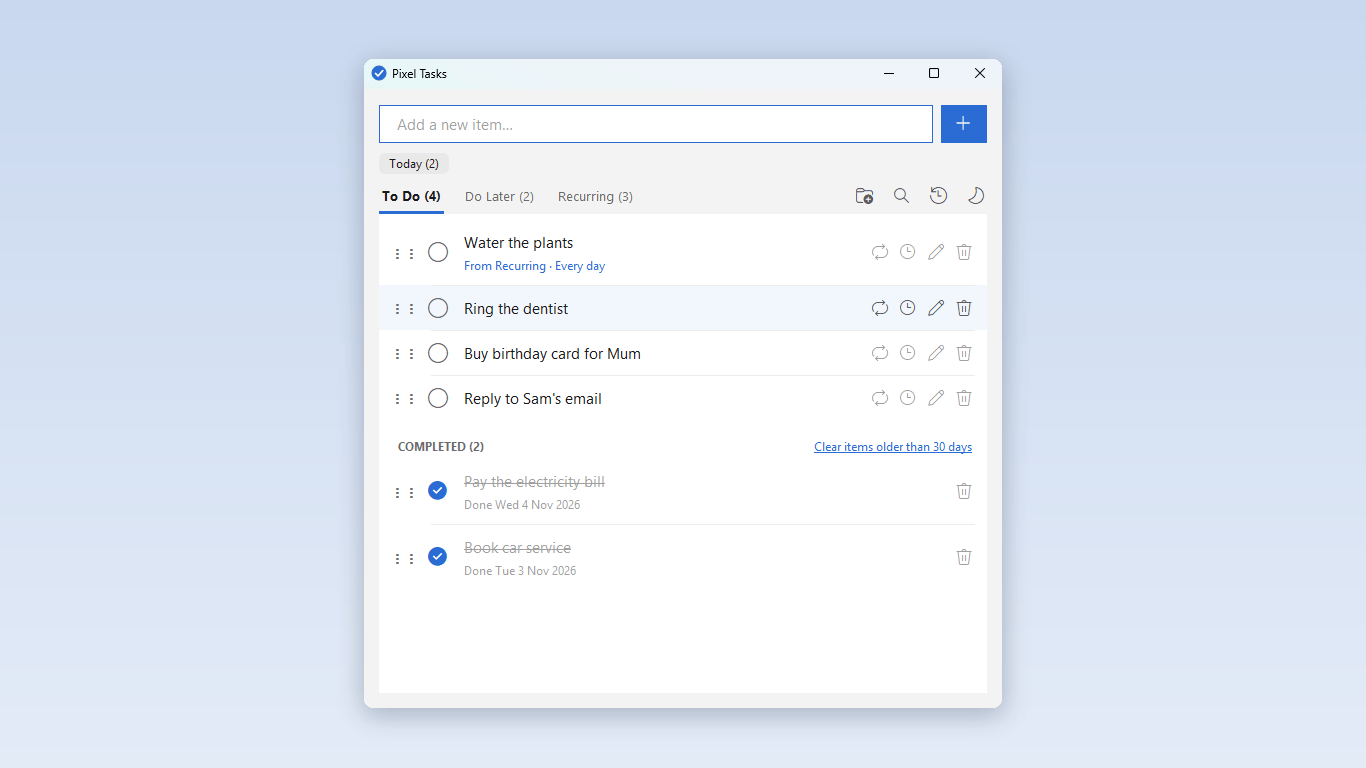
I wanted a to-do list that does the basics well and stays out of the way. Type a task, and tick it off when it's done.
I used Pixel Tasks every day for a month before I put it in the Microsoft Store. Now anyone can have it, and it's free.
Move a task to Do Later and pick a date. It drops off your list and comes back to the top on that day.
Leave the date blank and it waits in Do Later until you want it.
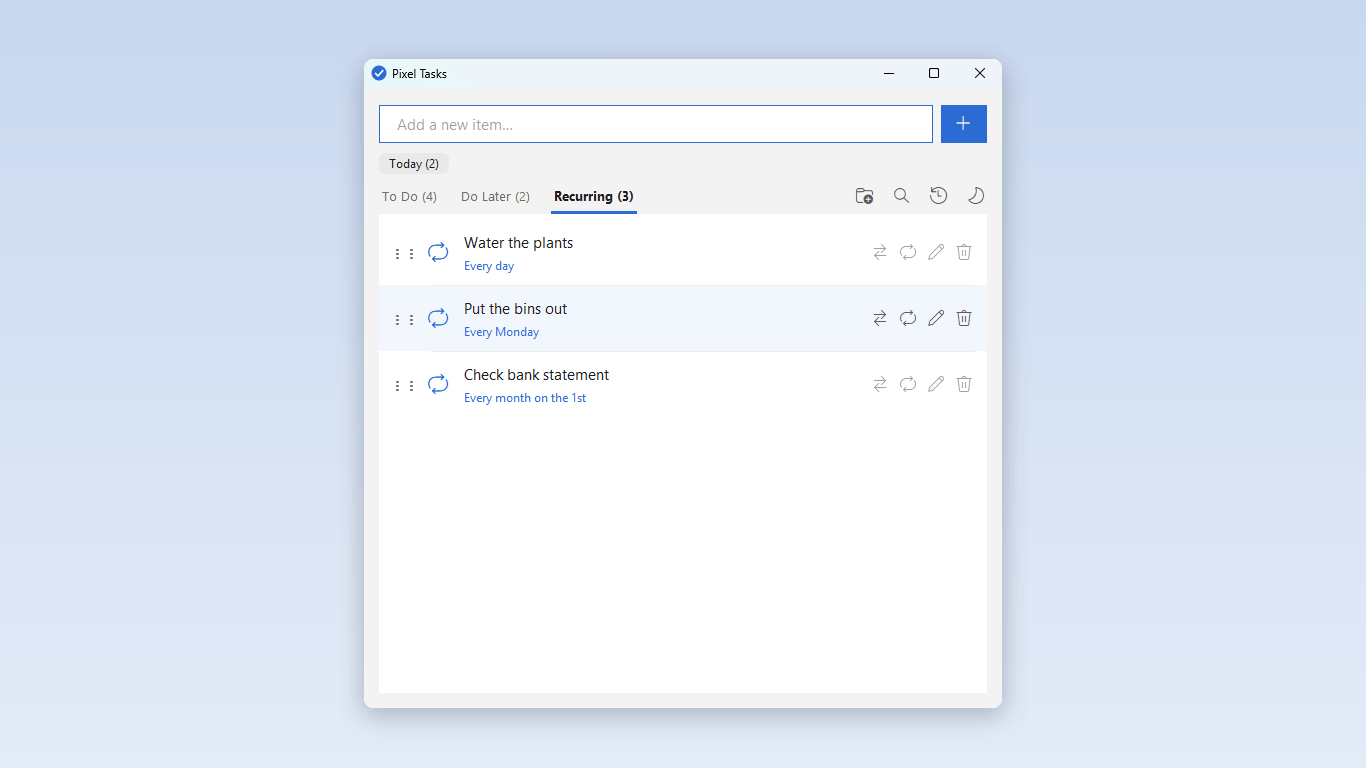
Some jobs repeat, like putting the bins out every Monday or checking a bank statement on the 1st. Put them on the Recurring tab once.
A new copy turns up on your To Do list each time one is due. You'll never get two of the same at once.
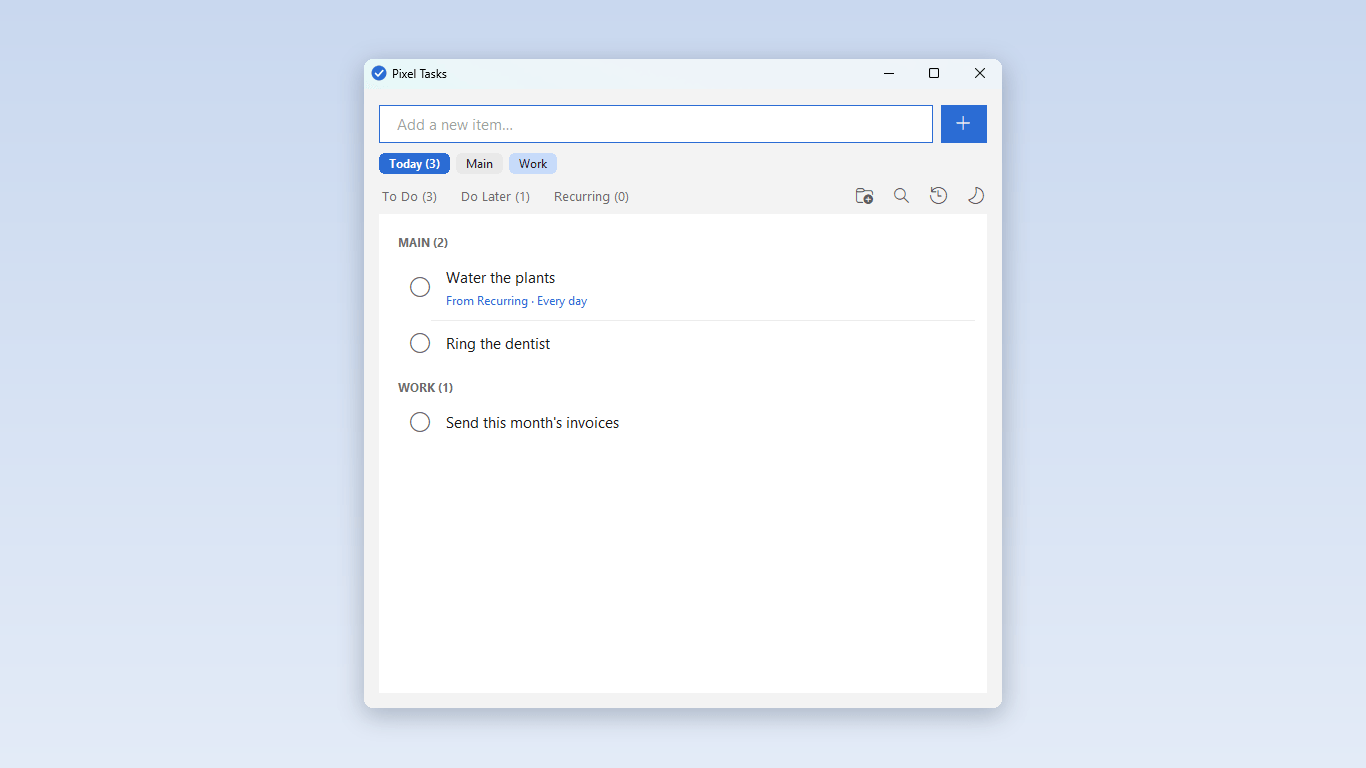
The Today button shows what's due today from your main list and any projects.
Projects give you separate lists, for example one for work and one for home. Each one has its own To Do, Do Later and Recurring tabs.
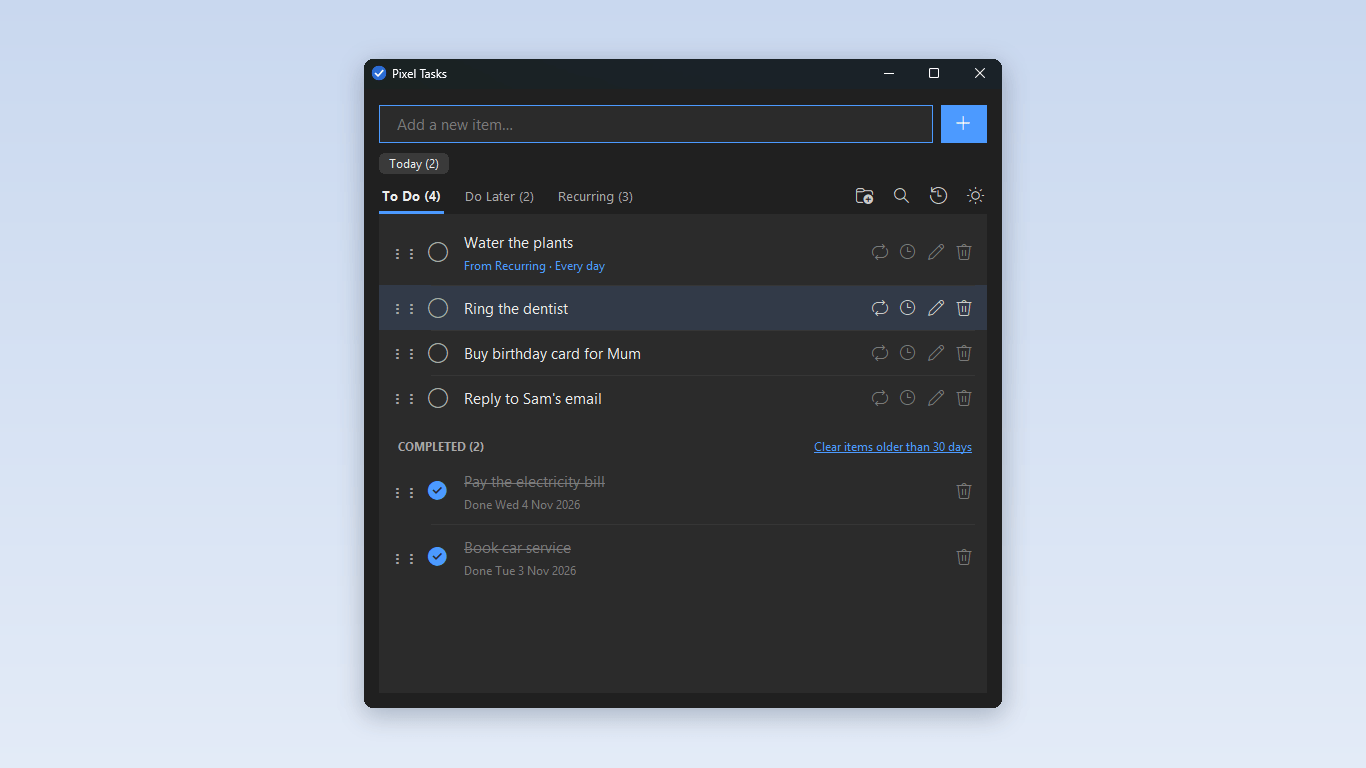
There's no account to make and nothing to sign in to. It works without the internet.
Your list is kept as a plain text file in your Documents folder. If you ever uninstall Pixel Tasks, your list stays where it is.
The manual shows you how to use every part of Pixel Tasks, step by step.
Download the user manual (PDF)Pixel Tasks is free. It runs on Windows 10 and 11.
Get it free from the Microsoft Store